Advertising for Udemy instructors
Put your course where learners are already looking
Show your Udemy course inside Comidoc course pages or promote it at the top of the Coupons and Free catalogs while learners compare topics, instructors, and offers.
Live catalog / continuously verified
Verified Udemy coupons.
Promoted course placements
Michael Lenox
PromotedFoundations of Business Strategy
Actual first row on Coupons and Free catalog pages
- 6.2K
- Unique visitors · Plausible · Jun 26–Jul 25, 2026
- 42.7K
- Pageviews · Plausible · Jun 26–Jul 25, 2026
- 4m 47s
- Average visit duration · Plausible · Jun 26–Jul 25, 2026
Why Comidoc traffic is different
Intent before impression.
Your campaign appears in a learning context, not between unrelated content competing for a distracted scroll.
Intent, not interruption
Learners arrive while actively evaluating a course, a topic, or a Udemy offer. Your message enters an existing decision.
Designed to be seen
Wide placements live inside the course-page flow, while promoted course cards join the first catalog row learners already know.
Spend stays controlled
Daily budgets define the ceiling. Per-user frequency caps and spacing between impressions prevent repetitive exposure.
Automated traffic stops before delivery
50% of raw course-page traffic matched crawler or automated preview patterns over the last 30 days. All 13.7K requests were stopped before an ad was served: $0 billed.
01Creative
Choose how your course appears.
Promote an existing Udemy course with its familiar catalog card, or upload one image, build an autoplay carousel, or create a short motion ad for course-page placements.
Course promotions stay synchronized with the live Comidoc catalog.
Business strategy
Lead with clarity.
Top and bottom course-page placements
New course
Lead with clarity.
Compact supporting placement
Static image
Upload one polished visual that fills the placement.
Autoplay carousel
Add 2 to 5 images. They advance automatically and pause on hover.
Motion creative
Build a short, pre-rendered motion sequence with Remotion.
02Campaign
Pay for the outcome you want.
Start with clicks when you want direct response. Choose impressions when reach and repeated visibility matter more.
CPC · Pay per click
Pay only when a learner chooses to visit your offer.
All impressions are included
CPM · Pay per 1,000 views
Buy predictable visibility across course-page visits.
All resulting clicks are included
03Funding
Add $10. We add another $2.
Your wallet receives $12 in campaign credit, giving you more room to learn what converts.
Add $50. We add another $30.
Your wallet receives $80 in campaign credit, giving you more room to learn what converts.
Add $100. We add another $100.
Your wallet receives $200 in campaign credit, giving you more room to learn what converts.
- Bonus credited automatically after Stripe checkout
- Set a daily campaign limit
- Pause delivery at any time
Current top-up offers
More budget, credited instantly
- You add
- $10
- Comidoc adds
- +$2
- Campaign wallet
- $12
- You add
- $50
- Comidoc adds
- +$30
- Campaign wallet
- $80
- You add
- $100
- Comidoc adds
- +$100
- Campaign wallet
- $200
04Analytics
Know exactly what your budget did.
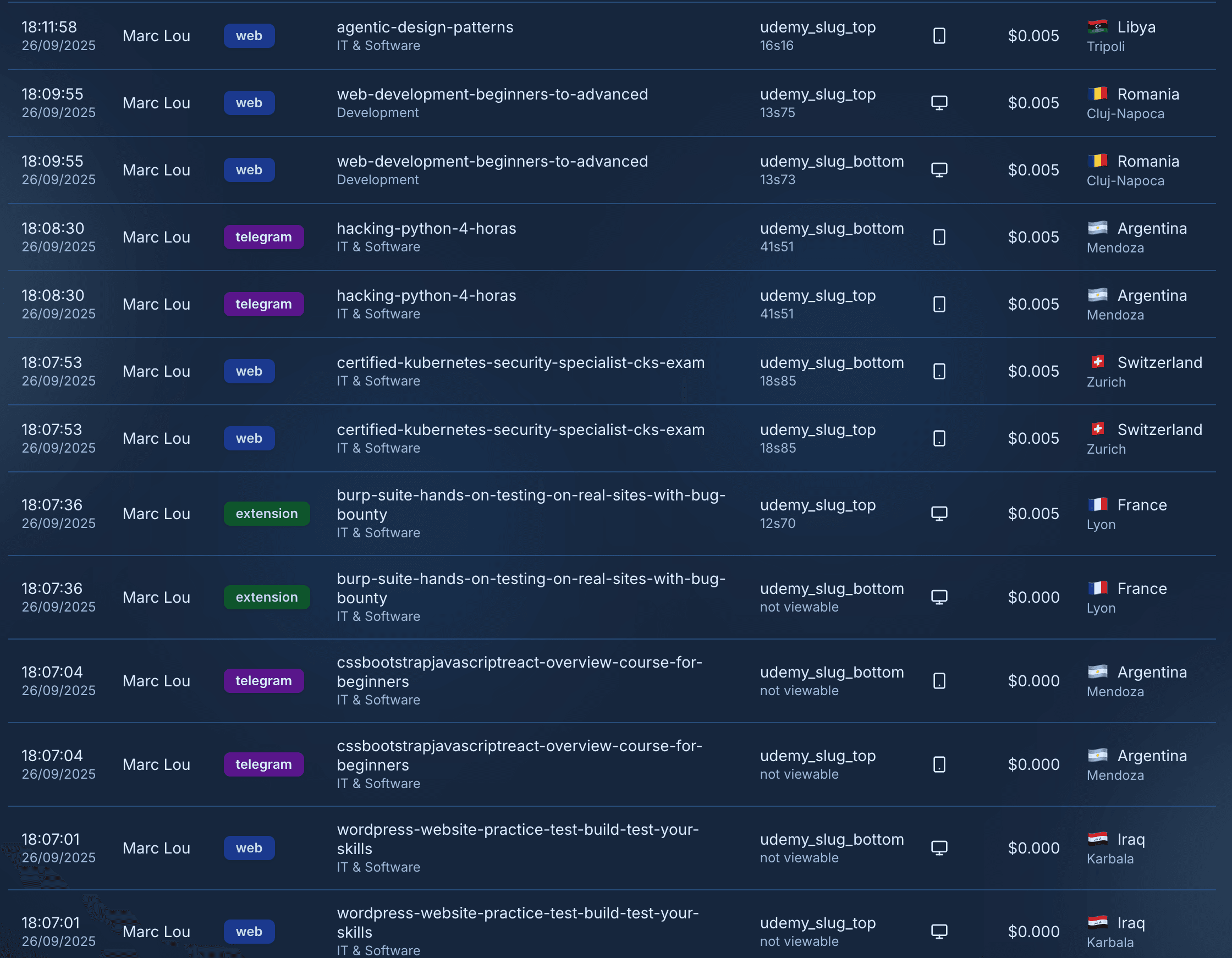
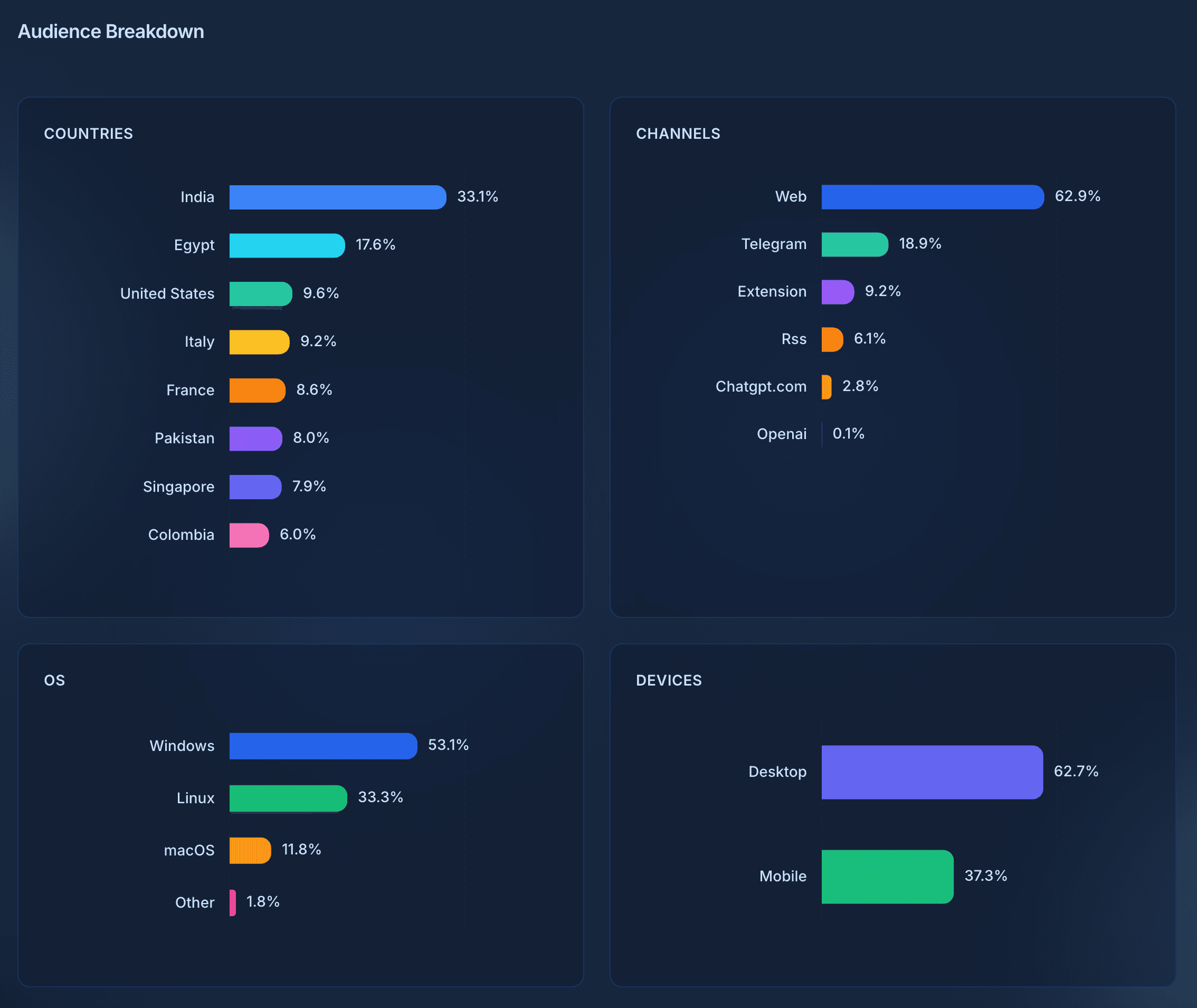
See delivery and spend at a glance, then inspect events, countries, devices, and channels before deciding what to run next.
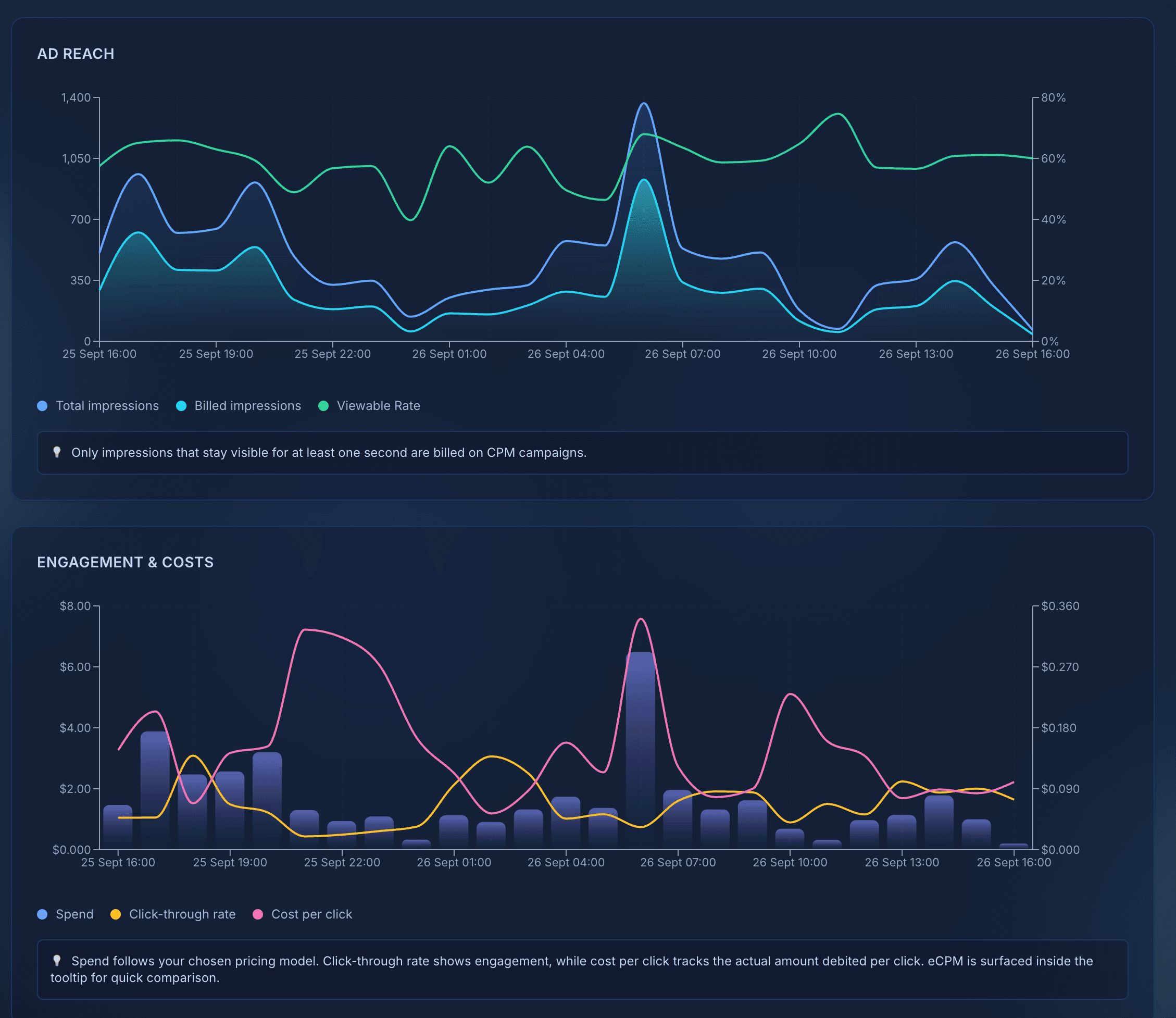
- Impressions, clicks, and spend
- Daily performance trends
- Audience and channel breakdowns


Before you launch
Practical answers.
- Where can my campaign appear?
- Choose wide placements on Comidoc's Udemy course pages, or promote an existing course as a familiar course card at the top of the Coupons and Free catalogs.
- Should I choose CPC or CPM?
- Choose CPC when course visits are the outcome that matters. Choose CPM when your priority is reach, recall, or a launch announcement.
- Can I test with a small budget?
- Yes. Add wallet credit, define a daily limit, and increase the budget only when you are comfortable with the results.
- How is my budget protected?
- Comidoc combines automated-traffic filtering, per-user frequency caps, and campaign budget controls to reduce invalid or repetitive delivery.
- How does the $100.00 top-up offer work?
- Add $100.00 to your advertiser wallet through Stripe and Comidoc automatically adds $100.00. You can use the full $200.00 across your campaigns.
Start without commitment
Create your workspace. Fund it only when you are ready.
No credit card required · No contract